
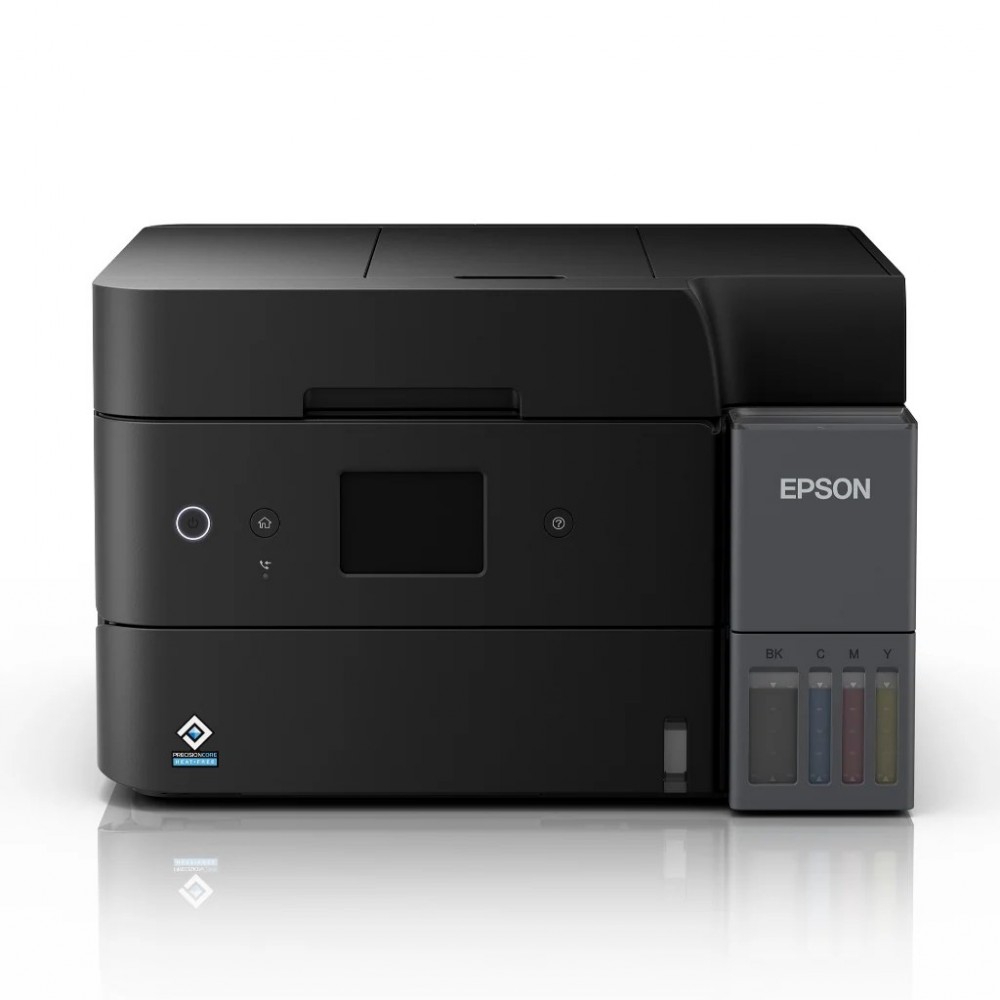
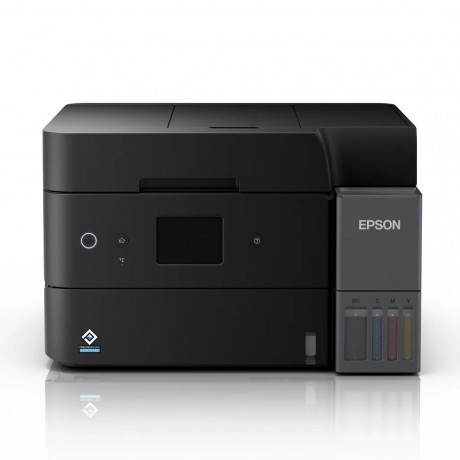
Epson EcoTank L6390 Ink Tank All-in-One Printer | Print Scan Copy Fax Wireless WiFi Auto Duplex Printer


Product Description
Epson EcoTank L6390 Ink Tank All-in-One Printer brings print, scan, copy, and fax functions into one compact wireless printer for busy home offices and small business setups. At DigiHome, this Epson all in one inkjet printer is selected for users who want WiFi connectivity, auto duplex convenience, high-yield ink bottles, and reliable everyday productivity.
Key Features:
- Epson EcoTank L6390 model with Print, Scan, Copy, Fax with ADF
- Compact EcoTank Design with accessible ink tank body
- Print speeds up to 18 ipm for black and 9 ipm for colour
- Auto-Duplex Print, Scan, Copy
- Borderless Printing up to A4 size
- Ethernet, Wi-Fi & Wi-Fi Direct
- Seamless setup via Epson Smart Panel
- High Yield Ink Bottles
- User Replaceable Maintenance Box
- Powered by Epson Heat-Free Technology
- Designed with durability in mind, supporting printing up to 100,000 pages
- Suitable for all in one inkjet printer, Ink Tank Printer, Inkjet Printer, printer, printers, PRINTERS & SUPPLIES categories
Specifications:
- Brand/Supplier: Epson
- Model: Epson EcoTank L6390
- Printer Type: Print, Scan, Copy, Fax with ADF
- Number of Paper Trays: 1
- Standard Paper Input Capacity: Up to 250 sheets of A4 Plain Paper (80g/m2) | Up to 20 sheets of Premium Glossy Photo Paper
- Print Method: Friction feed
- Maximum Resolution: 4,800 x 1,200 dpi
- Automatic 2-sided Printing: Yes
- Interface: USB 2.0, Ethernet, Wi-Fi IEEE 802.11b/g/n, Wi-Fi Direct
- Printer Software: Epson Photo+, Epson ScanSmart, Epson Device Admin, Epson Remote Services
- Consumables: 001 Ink Bottle (Black/Cyan/Magenta/Yellow)
- Dimensions (W x D x H): 375 x 347 x 240 mm
- Weight: 7.3 kg
DigiHome provides fast shipping and friendly local support.
When you order from opencartworks.com, you will receive a confirmation email. Once your order is shipped, you will be emailed the tracking information for your order's shipment. You can choose your preferred shipping method on the Order Information page during the checkout process.
The total time it takes to receive your order is shown below:

The total delivery time is calculated from the time your order is placed until the time it is delivered to you. Total delivery time is broken down into processing time and shipping time.
Processing time: The time it takes to prepare your item(s) to ship from our warehouse. This includes preparing your items, performing quality checks, and packing for shipment.
Shipping time: The time for your item(s) to tarvel from our warehouse to your destination.
Shipping from your local warehouse is significantly faster. Some charges may apply.
In addition, the transit time depends on where you're located and where your package comes from. If you want to know more information, please contact the customer service. We will settle your problem as soon as possible. Enjoy shopping!
